
Understanding Data and Graphs
Sports Mode Analysis for GPS and Heart Rate Sensors
At TechnoAccuracy, we have selected six representative sports modes to gain a complete picture of sensor accuracy in fitness devices. These tests evaluate both GPS sensors—which depend on uninterrupted satellite signals, affected by factors such as high speed, physical obstructions, and signal reflections—and heart rate (HR) sensors, which can be influenced by rapid intensity shifts, arm movement, and improper device contact.
Our approach helps users determine which device best fits their sporting needs by highlighting the challenges each sensor faces under real-world conditions.

Mountain Biking (MTB)
Description: Off-road cycling on mountain trails, occasionally with short asphalt sections.
GPS Challenges: High speeds, rapid changes in direction, and dense vegetation (trees and bushes acting as natural cover) obstruct satellite signals, leading to intermittent signal loss.
HR Challenges: Continuous vibrations and significant arm tension can cause optical heart rate sensors to produce less reliable readings.
Difficulty Level:GPS: High
HR: Moderate

Outdoor Running (Trail & Urban)
Description: Description: Running outdoors on trails or city streets.
GPS Challenges: On trails, trees and foliage can block signals; in urban areas, tall buildings may reflect signals, causing moderate inaccuracies.
HR Challenges: Generally stable readings due to consistent arm movement, with minor issues during sudden pace changes.
Difficulty Level:GPS: Moderate
HR: Low

Treadmill Running
Description: Stationary cycling with rapid variations in exercise intensity.
GPS Challenges: Not applicable (indoor setting).
HR Challenges: Rapid fluctuations in heart rate, combined with factors such as increased sweat on the sensor, can make it challenging for HR monitors to keep up with the changes.
Difficulty Level:GPS: Not Applicable
HR: High
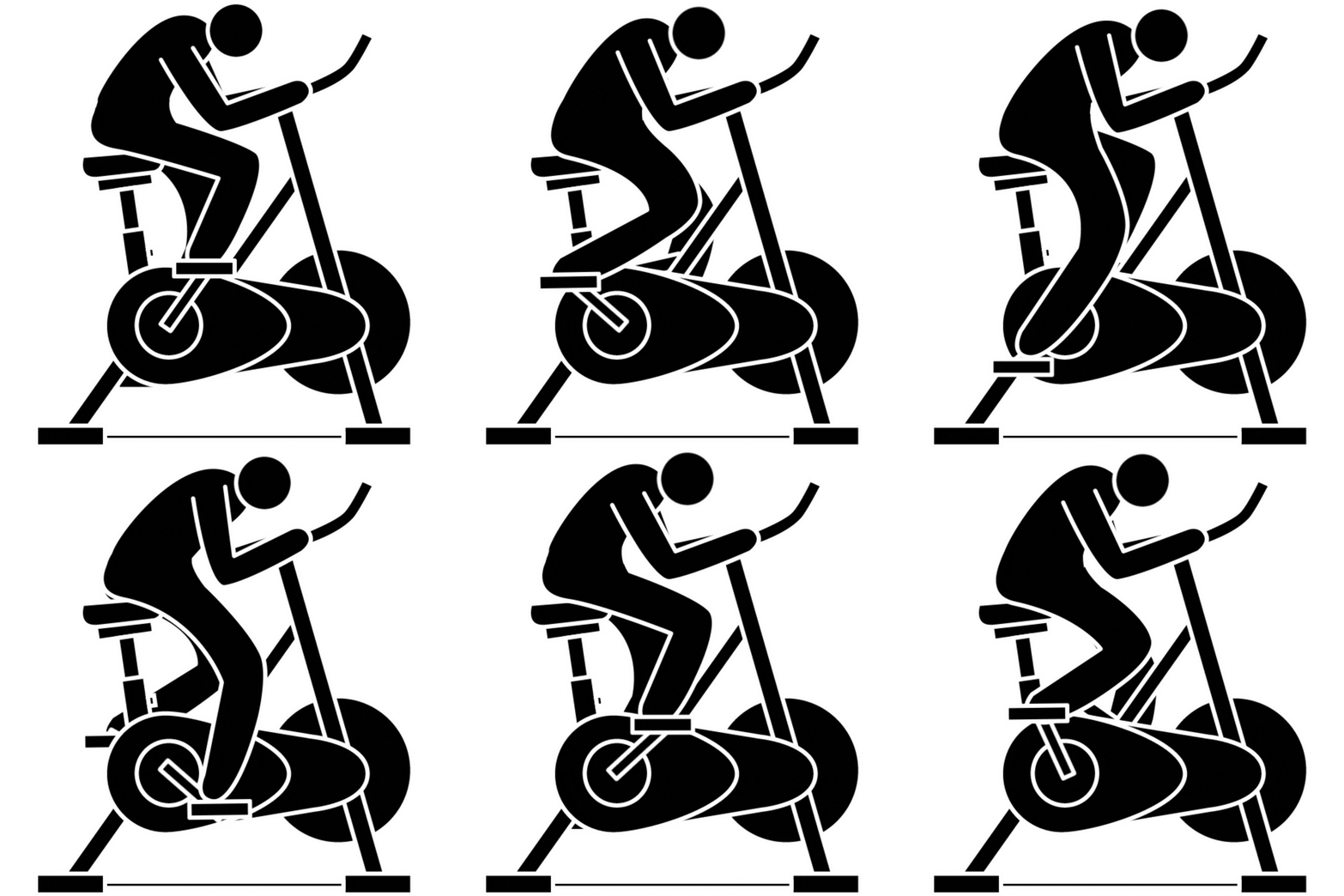
Indoor Cycling (Spinning)
Description: Stationary cycling with rapid variations in exercise intensity.
GPS Challenges: Not applicable (indoor setting).
HR Challenges: Rapid fluctuations in heart rate, combined with factors such as increased sweat on the sensor, can make it challenging for HR monitors to keep up with the changes.
Difficulty Level:GPS: Not Applicable
HR: High
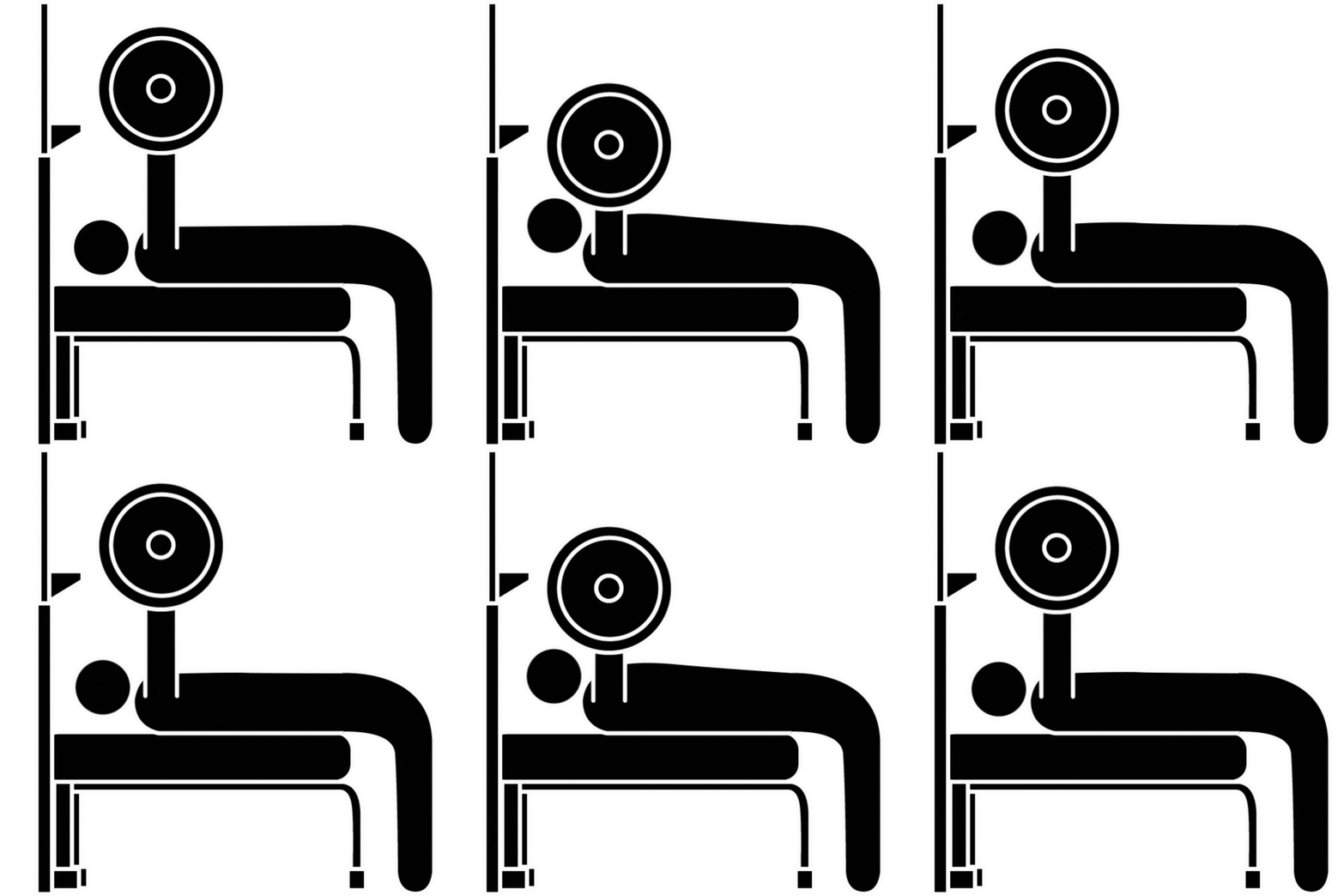
Upper Body Strength Training
Description: Exercises focused on the upper body (e.g., bicep curls, bench presses, pull-ups).
GPS Challenges: Not relevant, as the activity is mostly stationary.
HR Challenges: Minimal arm movement and high tension in the wrist can result in frequent inaccuracies in heart rate readings.
Difficulty Level:GPS: Not Applicable
HR: High

Lower Body Strength Training
Description: Leg-focused workouts, such as squats and leg presses.
GPS Challenges: Not applicable.
HR Challenges: Although the wrist remains relatively stable during these exercises, abrupt cardiovascular shifts during heavy lifts may introduce moderate challenges to HR sensor accuracy.
Difficulty Level:GPS: Not Applicable
HR: Moderate
By testing these six sports modes, we obtain a comprehensive insight into how GPS and heart rate sensors perform under various conditions—from outdoor environments where natural cover (vegetation) and urban structures can affect GPS signals to indoor activities that demand precise HR tracking. This analysis enables users to select the most appropriate device for their specific training needs, ensuring a more accurate and personalized fitness experience.
At TechnoAccuracy, we specialize in providing precise and reliable data on the performance of smartwatch sensors. Our approach involves meticulous data acquisition processes and advanced analysis techniques. In this section, we explain how we collect heart rate (HR) and GPS data separately. Additionally, we provide clear guidance on how to interpret each graph and data point we generate, ensuring our audience gains a comprehensive understanding of the results.

Heart Rate (HR) Data Acquisition and Analysis
Reference Device: Polar H10 Heart Rate Sensor
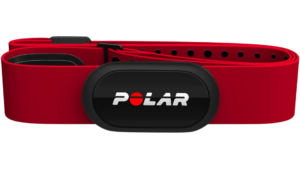
We use the Polar H10 heart rate sensor as our primary reference for heart rate measurements. The Polar H10 is widely recognized for its exceptional accuracy due to its chest-strap design, which ensures stable and direct measurement of cardiac electrical activity. This design significantly reduces motion artifacts and captures true electrical signals from the heart.
Multiple studies have confirmed that the Polar H10 provides more precise readings than most wrist-worn smartwatches, making it the ideal benchmark for our heart rate tests.
Exclusive Software Integration: TechnoAccuracy
Our custom-developed TechnoAccuracy software integrates seamlessly with the Polar H10, retrieving real-time heart rate data with high fidelity. This integration guarantees that our analysis is based on precise and reliable information, providing a robust benchmark for comparing the performance of other devices and measurement methods.
Graphical Data Analysis for HR
Once data acquisition is complete, our system generates detailed graphical reports. These visualizations help analyze heart rate trends, variability, and responses during different sports activities. Each graph is accompanied by explanations to help users interpret the data, allowing for a clear understanding of how heart rate responds under various conditions. This section offers key insights into both performance and sensor accuracy.
Key Metrics Explained
R2 (Correlation Coefficient)
What it means: R² measures how closely the smartwatch’s heart rate (HR) readings follow the reference device’s values. It indicates the strength of the relationship between the two datasets.
- ✅ High R² (close to 1.0): The readings match the reference almost perfectly, showing high accuracy.
- ⚠️ Low R² (below 0.90): The readings are less reliable, indicating weak correlation and potential measurement errors.
💡 In context: An R² above 0.95 is considered excellent, showing that the smartwatch tracks HR changes accurately across all intensities.
MAE (Mean Absolute Error)
What it means: MAE shows the average difference between the smartwatch’s HR readings and the reference values, regardless of whether the readings are higher or lower.
- ✅ Low MAE (below 1 bpm): The device provides highly accurate HR readings.
- ⚠️ High MAE (above 3 bpm): The device frequently deviates from the reference, suggesting less precise tracking.
💡 In context: MAE helps understand overall performance. A low MAE indicates the device remains close to the reference values throughout the activity.
STD (Standard Deviation)
What it means: STD measures the variability of the error between the smartwatch and the reference readings. It shows how consistently the device tracks HR.
- ✅ Low STD (below 1 bpm): The device provides consistent HR readings with minimal fluctuation.
- ⚠️ High STD (above 2 bpm): Inconsistent readings with significant fluctuations, especially during rapid HR changes.
💡 In context: A low STD means the device is stable and reliable, maintaining accurate readings even during intensity peaks.
Key graphs Explained
Next, we will introduce the graphical analysis section where you can review and interpret the data captured during the tests. (Detailed charts and further analysis will be provided later.)
HR_Comparison
This graph compares heart rate (HR) measurements between a smartwatch and a reference device during a workout session. The red line represents the reference values, while the yellow line shows the smartwatch readings.
- ✅ Good result: The yellow HR curve closely follows the red reference curve with minimal visible red. Less visible red means higher accuracy. Critical sections to observe include rapid HR changes; the smartwatch should track these changes without noticeable lag or overshooting.
- ⚠️ Poor result: Significant visible gaps between the yellow and red lines indicate tracking issues. Delays in reflecting sharp HR spikes or dips suggest the device struggles with real-time monitoring.
Key Insight: The device must respond simultaneously to sudden HR fluctuations. Peaks and valleys should align without delay. The closer the curves, the more reliable the sensor’s performance.
💡 Note: Low mean absolute error (MAE) and standard deviation (STD) values are essential indicators of precise alignment.
HR_Error_Over_Time (HR_Error_Time)jbjk
This graph shows how the HR measurement error evolves throughout the workout session. The y-axis represents error in bpm, while the x-axis represents time in seconds.
- ✅ Good result: A mostly flat error line near 0 bpm, indicating accurate and stable tracking. The acceptable interval should stay within ±2 bpm for most activities.
- ⚠️ Poor result: High error spikes, especially during the initial phase of the workout. This is critical because most sensors struggle at the start due to calibration delays. If the error remains high at the beginning, it can significantly affect short-duration activities.
Key Insight: The early phase of any activity is crucial. Delays in stabilizing can cause inaccurate HR readings, especially in short sessions where quick accuracy is needed. Consistently low errors after the initial period indicate good sensor adjustment.
💡 Note: MAE and STD values help evaluate long-term accuracy. Ideally, the device should recover from initial spikes and maintain errors within ±2 bpm for reliable performance.
HR_Errors_Histogram
This histogram shows the distribution of HR measurement errors recorded during the workout. The x-axis displays error values in bpm, while the y-axis shows the frequency of each error.
- ✅ Good result: A tall, narrow distribution centered around 0 bpm. Most errors should fall within the ±1 bpm range.
- ⚠️ Poor result: A wide distribution indicates inconsistent readings. If the distribution shifts negatively, it suggests underestimation; a positive shift indicates overestimation.
Key Insight: The ideal histogram is symmetrical and concentrated near zero. The broader the distribution, the higher the standard deviation, signifying less precision. Look for 95% of the data within ±2 bpm for high accuracy.
💡 Note: Asymmetry or skewness suggests systematic bias in the sensor’s readings.
HR_Scatter_Plot
This scatter plot compares simultaneous HR readings from the smartwatch (y-axis) against those from the reference device (x-axis). Each yellow point represents a paired reading.
- ✅ Good result: Points tightly cluster along the diagonal line (y = x), indicating strong correlation. A correlation coefficient (R²) of 0.95 or higher is desirable.
- ⚠️ Poor result: Points scattered away from the diagonal line suggest systematic errors. Clusters above the diagonal mean the device tends to overestimate HR, while points below suggest underestimation.
Key Insight: The R² value represents how well the smartwatch matches the reference. An R² of 1 means perfect alignment, while lower values indicate weaker correlation. For most fitness applications, R² ≥ 0.95 is considered excellent.
💡 Note: The fewer the outliers, especially at higher HR values, the better the device performs under intensive conditions. Clustering across all HR ranges signifies reliable, consistent tracking.

gps Data Acquisition and Analysis
Reference Device: High-End Mobile Device
For GPS data collection, we test smartwatches alongside a high-end mobile device, which serves as our main reference due to its advanced GPS capabilities. These smartphones feature the latest satellite connectivity technologies, ensuring highly precise and reliable tracking under various conditions.
Using a premium smartphone as a benchmark allows us to compare smartwatch GPS performance against a reliable standard. However, it is essential to acknowledge that no GPS device is flawless. Factors such as signal interference, environmental conditions, and hardware limitations can affect GPS accuracy.
Comprehensive Graphical Analysis and Interpretation for GPS
Our commitment is to deliver the most precise and comprehensive GPS analysis possible. The system automatically generates graphical reports that display GPS tracks, signal stability, and performance across diverse scenarios. Each graph is supplemented with clear explanations, enabling users to interpret discrepancies and understand the overall accuracy of each smartwatch.
Community Support for Enhanced Analysis
To further refine our results and broaden our data range, we welcome support from our audience. Please read how you can contribute to our project or suggest more advanced reference devices. Together, we can enhance the quality and depth of our GPS sensor reviews.
Key Metrics Explained
MAE (Mean Absolute Error)
What it means: MAE represents the average distance error between the recorded GPS track and the reference track. It shows how far off the recorded position is, regardless of whether the error is above or below the reference path.
- ✅ Low MAE (under 3 meters): Indicates high positional accuracy.
- ⚠️ High MAE (above 5 meters): Suggests the GPS data frequently deviates from the reference.
💡 In context: A lower MAE means the GPS consistently tracks the correct route, especially important in narrow or winding paths.
STD (Standard Deviation)
What it means: STD indicates the variability of GPS errors. It shows how consistently the GPS data stays close to the reference.
- ✅ Low STD (under 2 meters): The GPS readings are stable with minimal fluctuation.
- ⚠️ High STD (above 3 meters): Significant fluctuation in readings, indicating inconsistency.
💡 In context: Low STD is essential for activities that require precise path tracking, such as trail running or cycling in dense environments.
ERR% (Error Percentage)
What it means: ERR% measures the percentage difference between the total distance recorded by the GPS and the reference distance.
- ✅ Low ERR% (±1%): Suggests the total distance recorded is highly accurate.
- ⚠️ High ERR% (>3%): Indicates overestimation or underestimation of total distance.
Positive ERR% means the GPS recorded more distance (overestimation), possibly due to signal drift or tracking errors in sharp turns.
Negative ERR% means the GPS recorded less distance than the actual reference (underestimation).
Key graphs and maps Explained
Not all GPS graphs are displayed by default. Users can toggle between available graphs using the SHOW/HIDE GRAPHS button. Each graph provides specific insights into GPS performance, accuracy, and consistency. Understanding the key metrics and how they are visualized is crucial for proper interpretation.
ERROR_TIME
Plots GPS error over time. The initial phase commonly shows higher errors due to signal stabilization, which can impact short-duration activities.
⚠️ Poor performance: Persistent spikes above 5 meters, especially early in the session.
✅ Good performance: Error consistently below 3 meters.
ERRORS_HISTOGRAM
Plots GPS error over time. The initial phase commonly shows higher errors due to signal stabilization, which can impact short-duration activities.
- ✅ Good performance: Error consistently below 3 meters.
- ⚠️ Poor performance: Persistent spikes above 5 meters, especially early in the session.
MAP_FIXEDSCALE
Displays the GPS path on a satellite map with a fixed error scale (0-15 meters) for easy cross-device comparison.
- ✅ Good performance: Mostly green/yellow lines with minimal red.
- ⚠️ Poor performance: Large red areas indicating significant positional error.
MAP_DYNAMICSCALE
Similar to the fixed scale map but with a dynamic scale adjusted to the specific device’s maximum error, highlighting device-specific behavior.
METRICS
Visualizes MAE and STD using columns for a quick performance snapshot.
GPS_PLOT
Displays the GPS path on a black background for clearer visualization of route alignment without distractions.
SATELLITE_MAP
Shows the GPS path over a satellite image, providing geographical context to analyze performance based on terrain.
VELOCITY_COMPARISON
Description: Compares GPS-recorded velocity with reference data. Sudden spikes after zero velocity suggest temporary signal loss.
⚠️ Poor performance: Zero velocity followed by rapid peaks, indicating signal interruptions.
✅ Good performance: Smooth velocity patterns without abrupt spikes.